The agency runs on one system instead of twelve tools.
AgencyOS brings clients, projects, tasks, time and invoices together in one interface for agencies. Our own app is built on ERPNext/Frappe and includes chat, meetings and a client portal. Explore the workflow from client to project, tasks, time and invoice below.
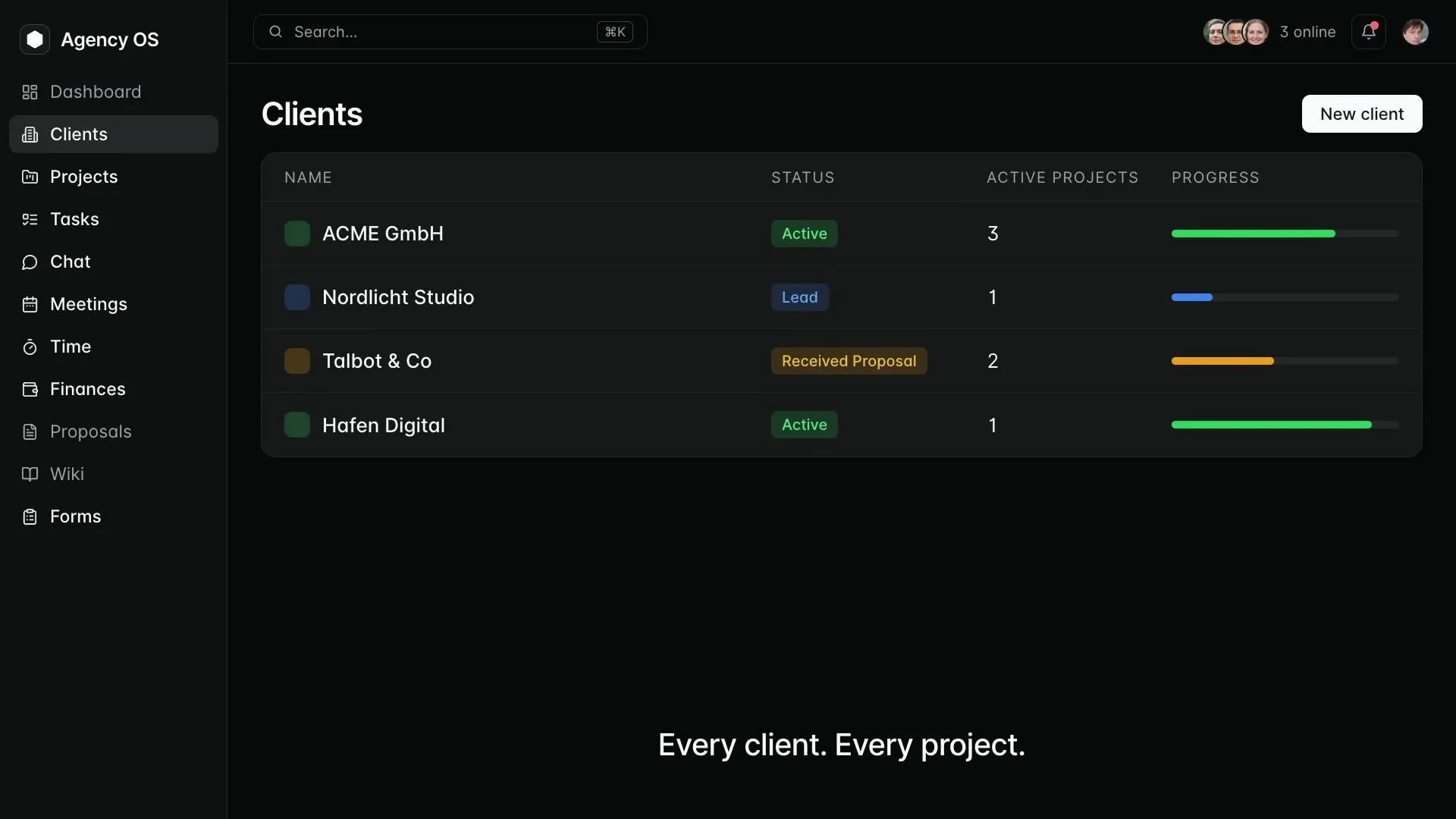
Recording from Agency OS
An interface built on ERPNext
AgencyOS is a Frappe interface built on ERPNext. It brings clients, projects, tasks, time and invoices together. It does not replace the ERP backend.
ERPNext stays the engine room
Agency OS uses ERPNext as the backend for clients, projects, tasks, time and invoices. Required records and approvals are assessed before implementation.
Agree operation and support
Hosting, permissions, backups, upgrades and support need clear owners. Services included in the project are agreed before implementation.
Connect project work and billing.
The numbers sit in the ERP, the tasks in a board tool, the decisions in chat, the hours in a third app, and the client emails anyway. Every handover is manual work, and manual work is the first thing to go when it gets tight.
Agency OS closes those gaps instead of adding one more tool beside them. What happens day to day lands where the billing happens: in ERPNext.
What is spread across five tools today.
Every line is its own login, its own state of the data and its own invoice. Agency OS brings them onto one data set.
What ERPNext already does stays in ERPNext. Agency OS only adds what is missing there, and links back.
Inside the system
What your team does with it every day.
Clients, projects, tasks, time, chat, meetings and invoices in one interface. Assess the workflow and required roles using a representative project.
Clients and projects
Connect clients and their projects. Agree required statuses, owners and reports using your project workflow.
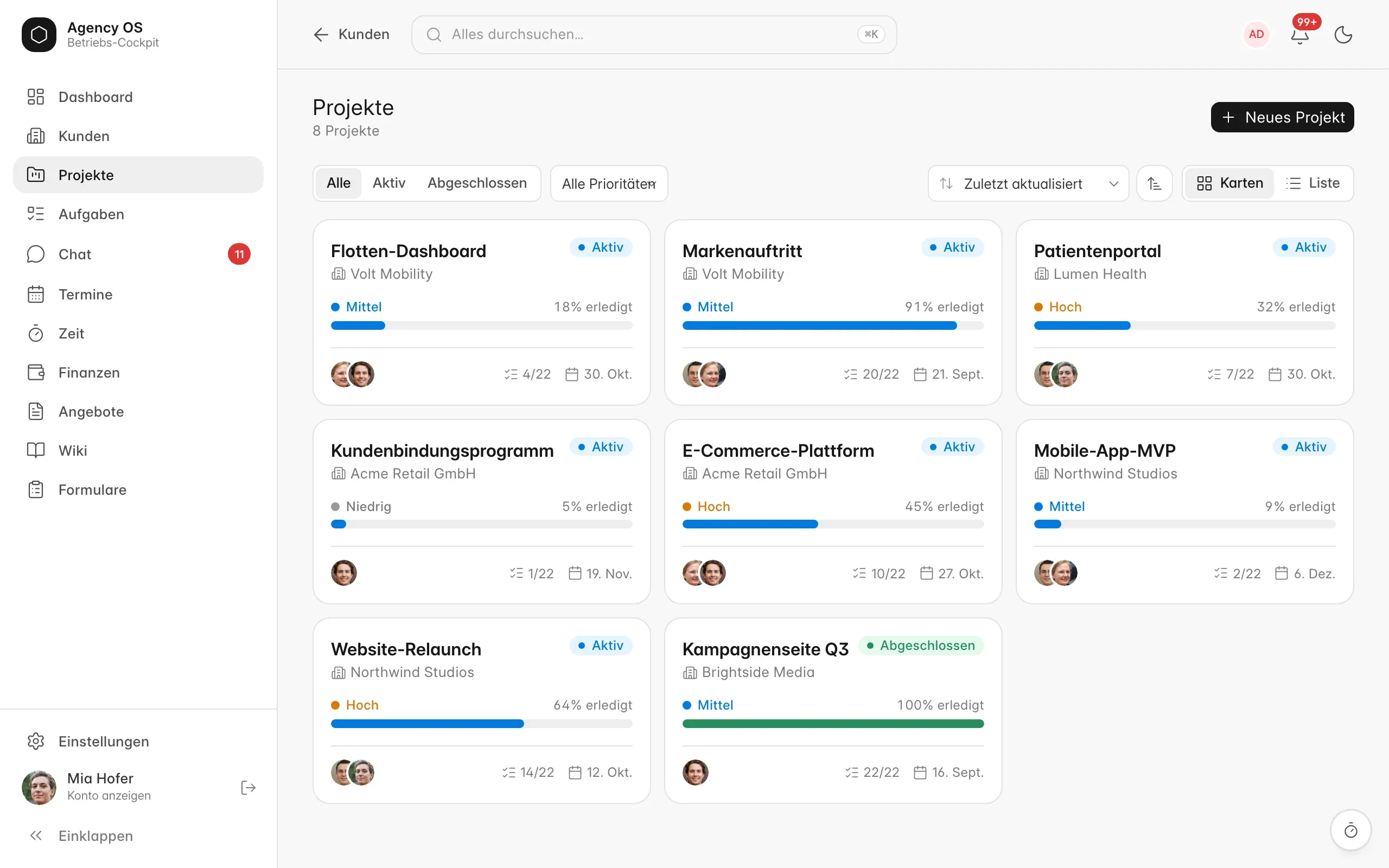
Tasks and time
Assign tasks and recorded time to the project. Check internal and billable hours and the path to the invoice draft.
Chat and meetings
Use chat and meetings alongside project work. Access, participant permissions and technical prerequisites are assessed for your use case.
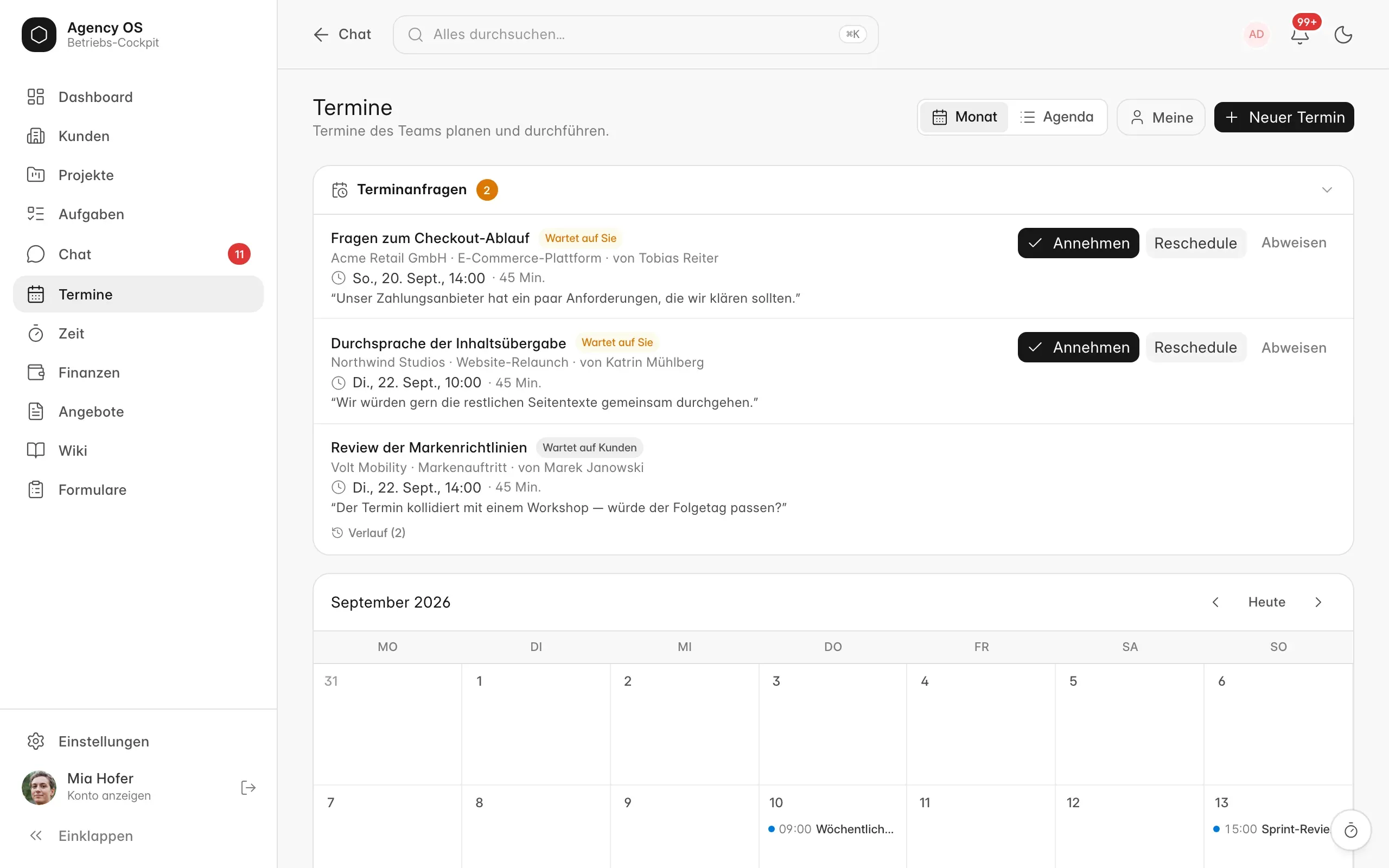
Quotes and invoices
Connect ERPNext invoices with project work. Assess agreed billing, approvals and corrections; additional formats and automation need their own review.
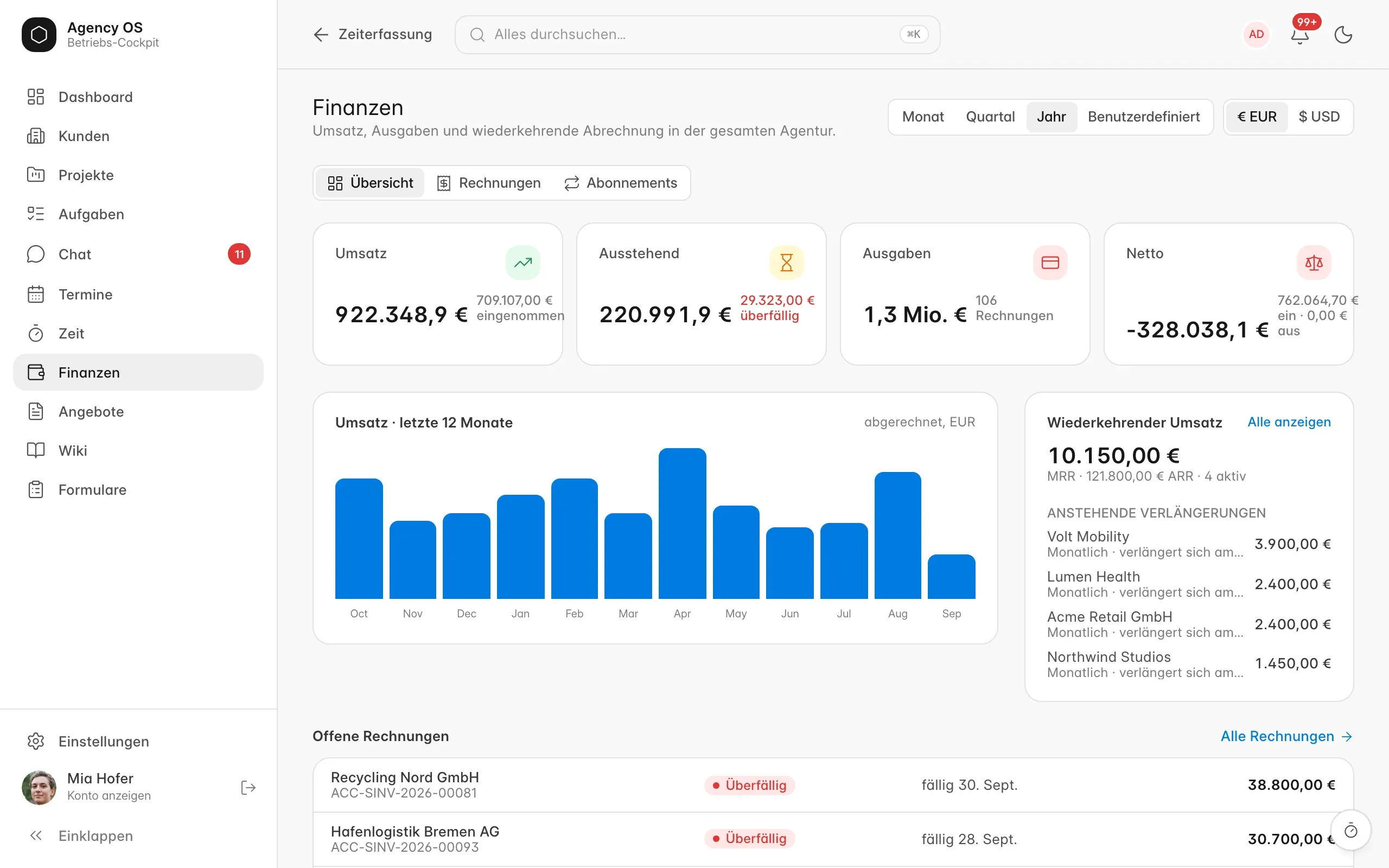
Client area
A separate login for your client, kept apart from the team. Only what you release is visible: project status, updates, approvals, invoices and a chat.
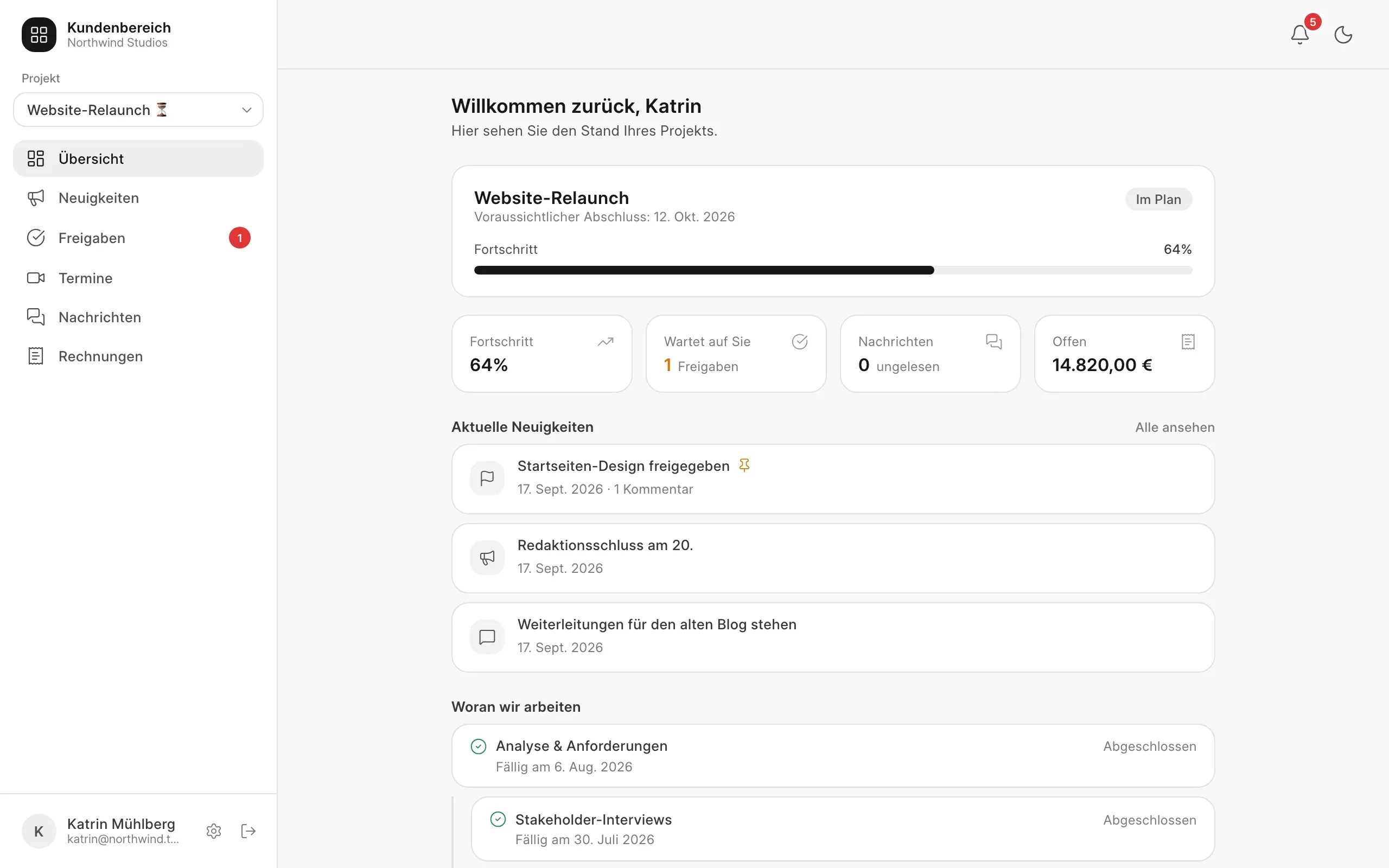
From client to invoice in five steps.
AgencyOS in practice
Clients and their projects at a glance.
Start with the client overview: look at the projects linked to a client and their status. Then choose “02 · Project” to compare priority and the people involved. These views show our interface with demo data.
Open the English view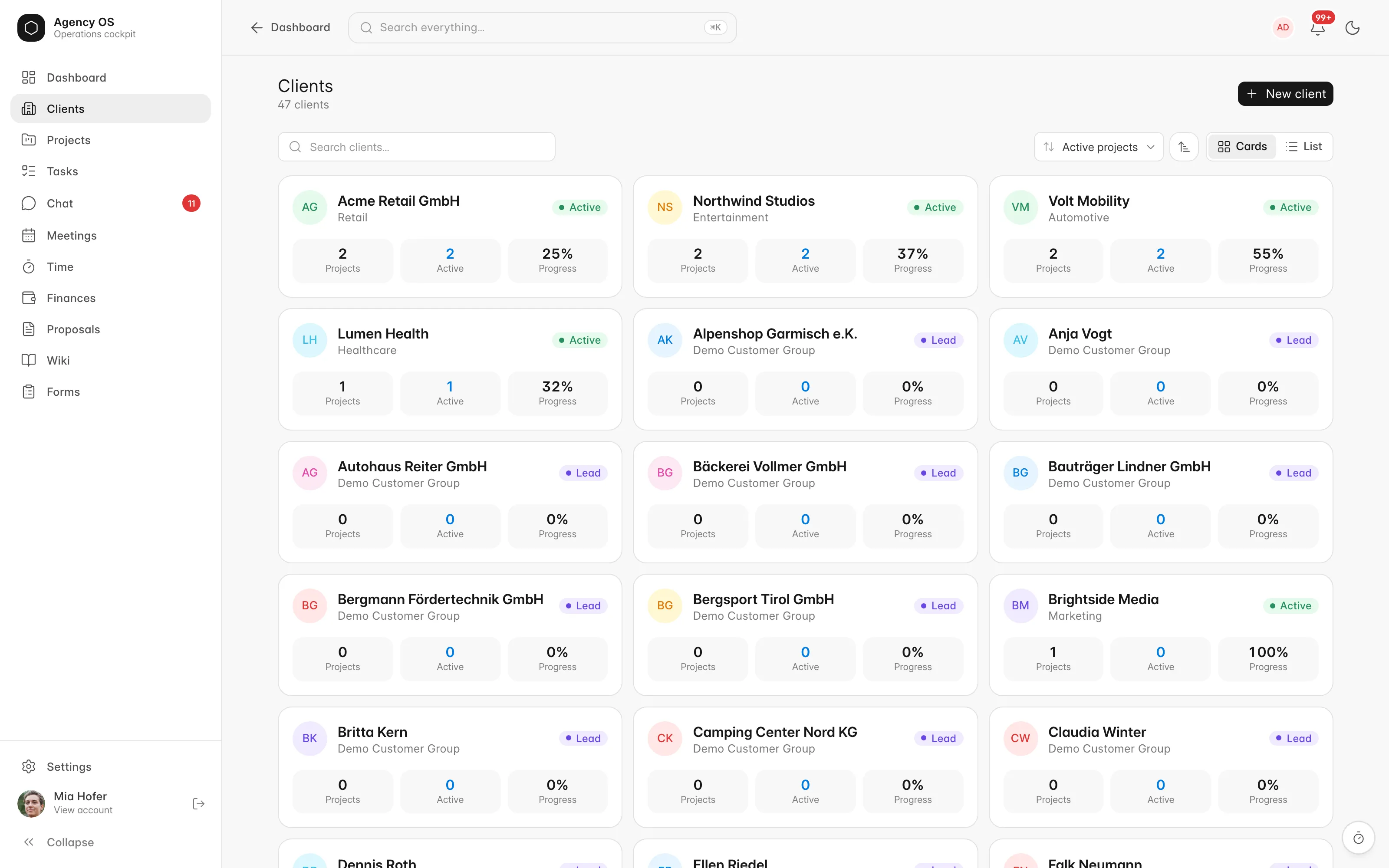
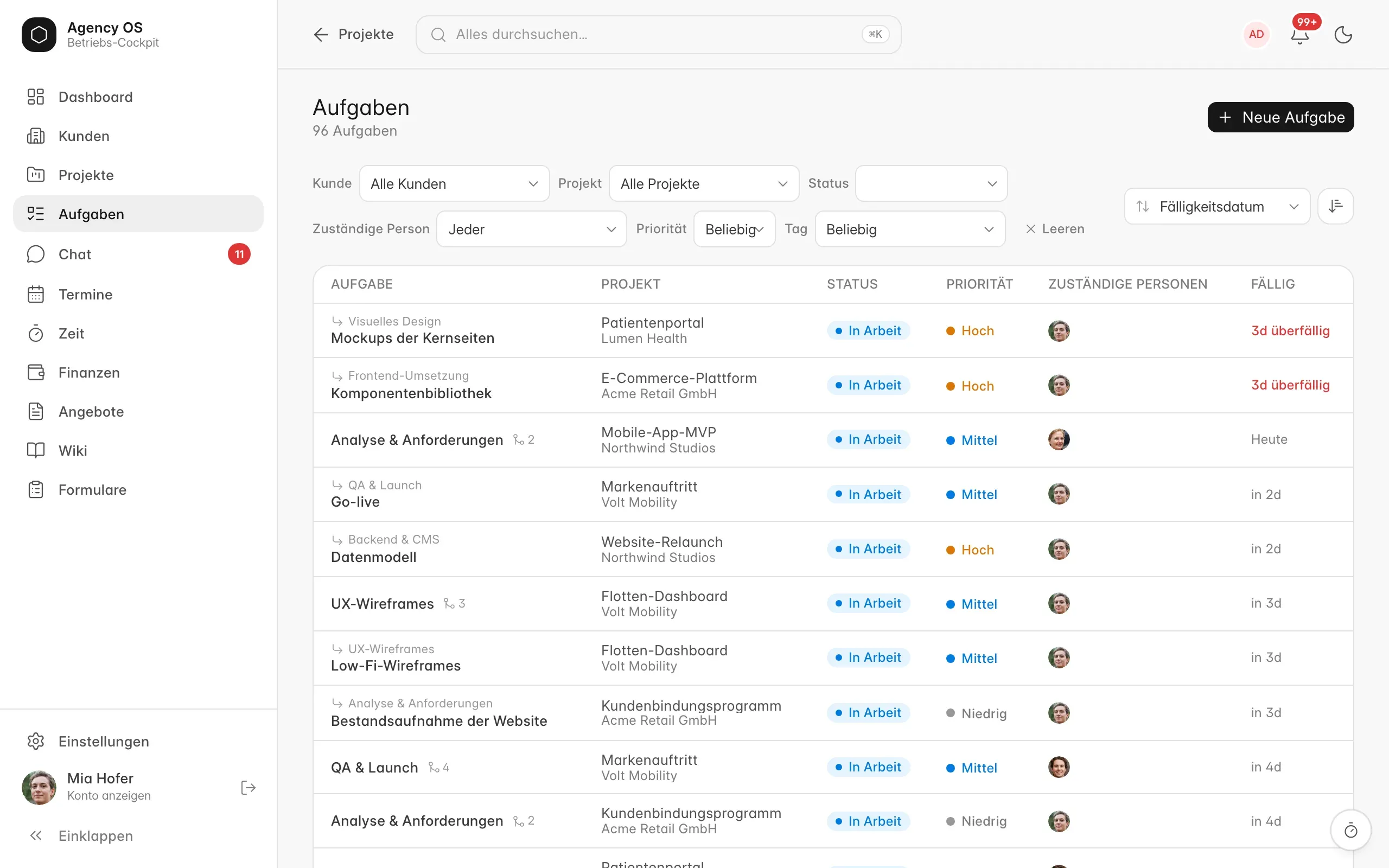
Priority, progress and people.
Check priority, progress and the people involved in the project overview. See how the work is linked to a client. Then choose “03 · Tasks” to look at assignees and due dates.
Open the English view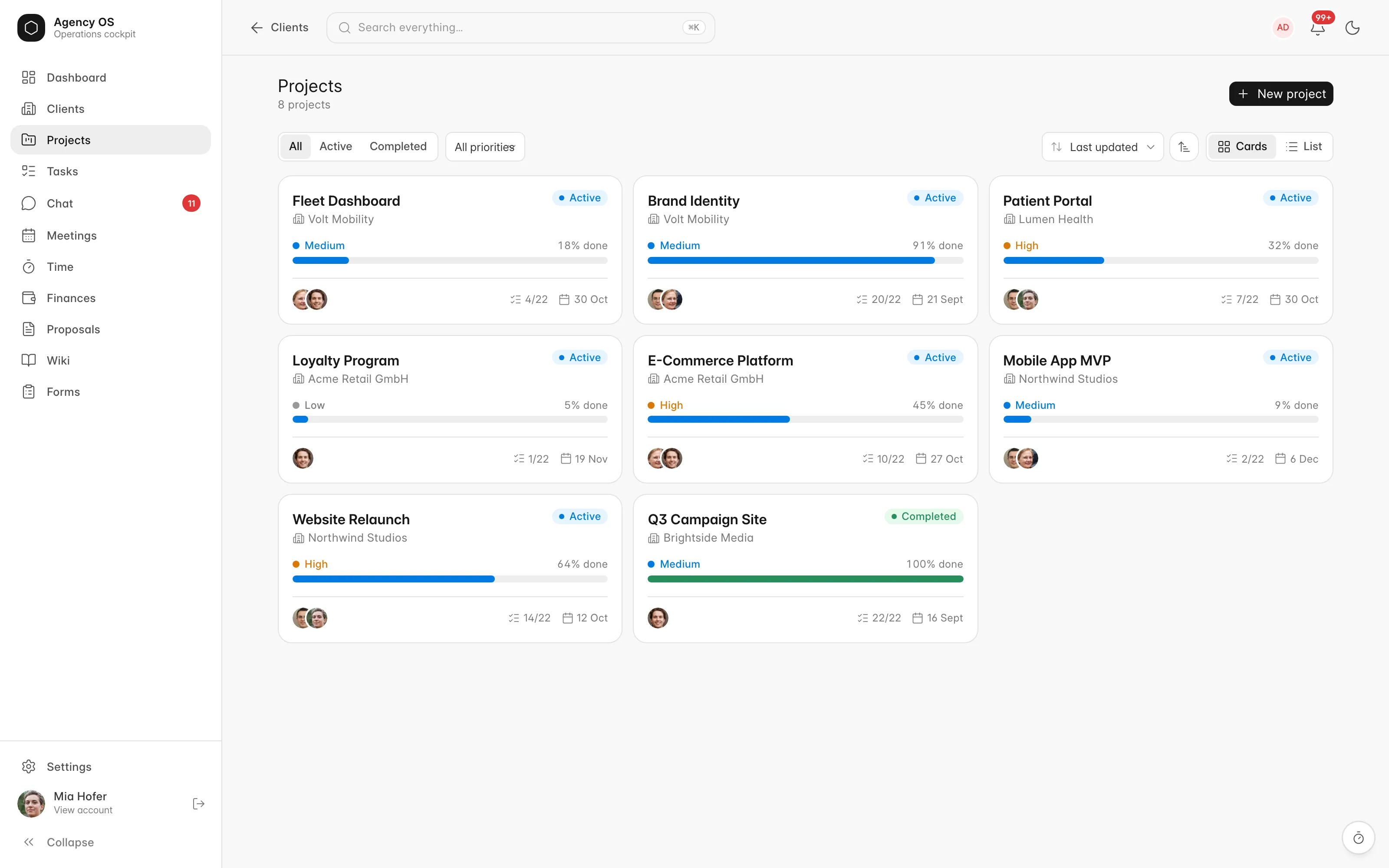
Who is working on what?
Look at task status, priority, assignees and due dates to understand what work is coming next. Then choose “04 · Time tracking” to review recorded time by person and project.
Open the English view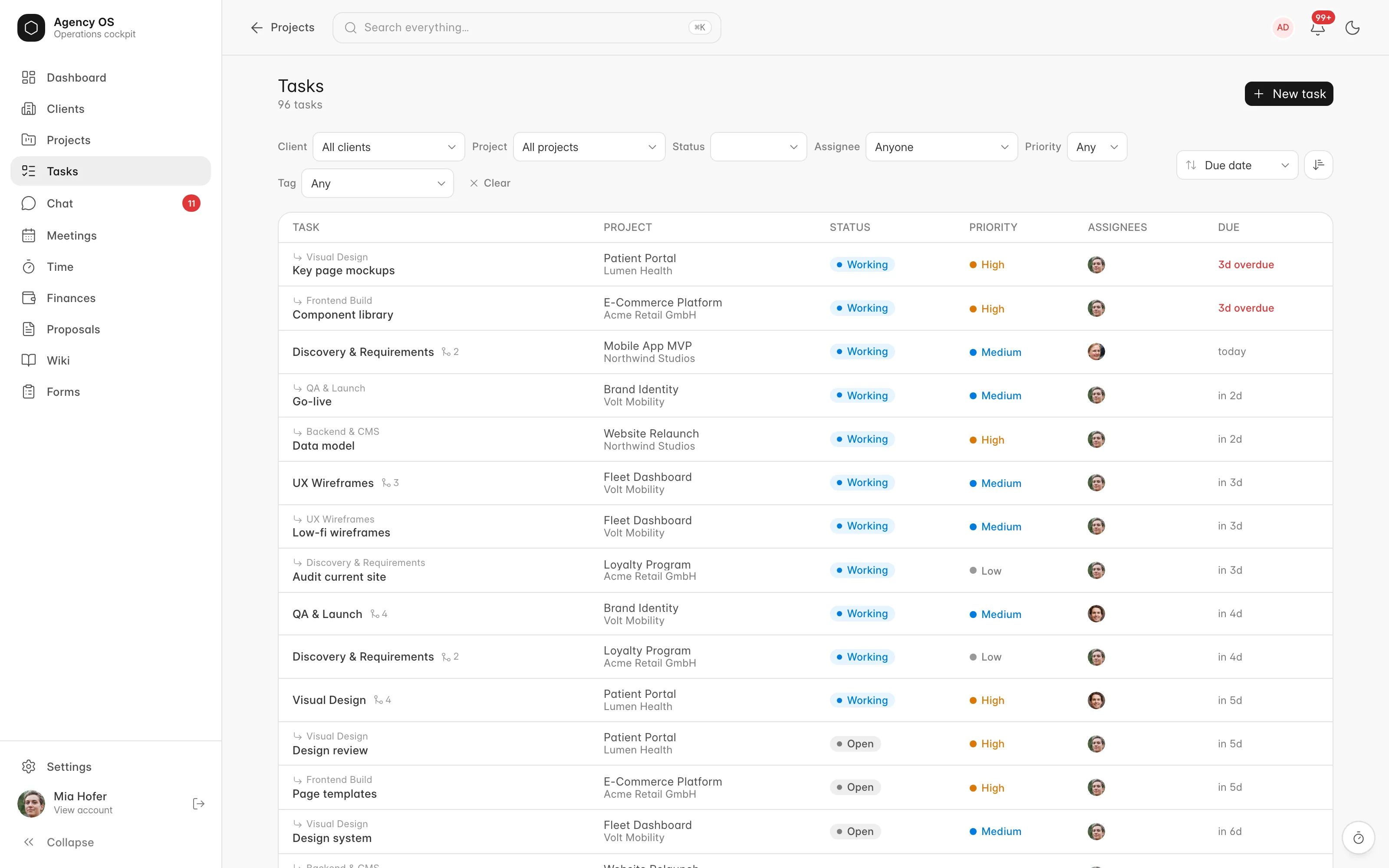
Recorded time by person and project.
Review recorded time by person and project. We agree which hours are billable and how they are approved for your workflow. Then choose “05 · Invoice” to look at amounts and payment status.
Open the English view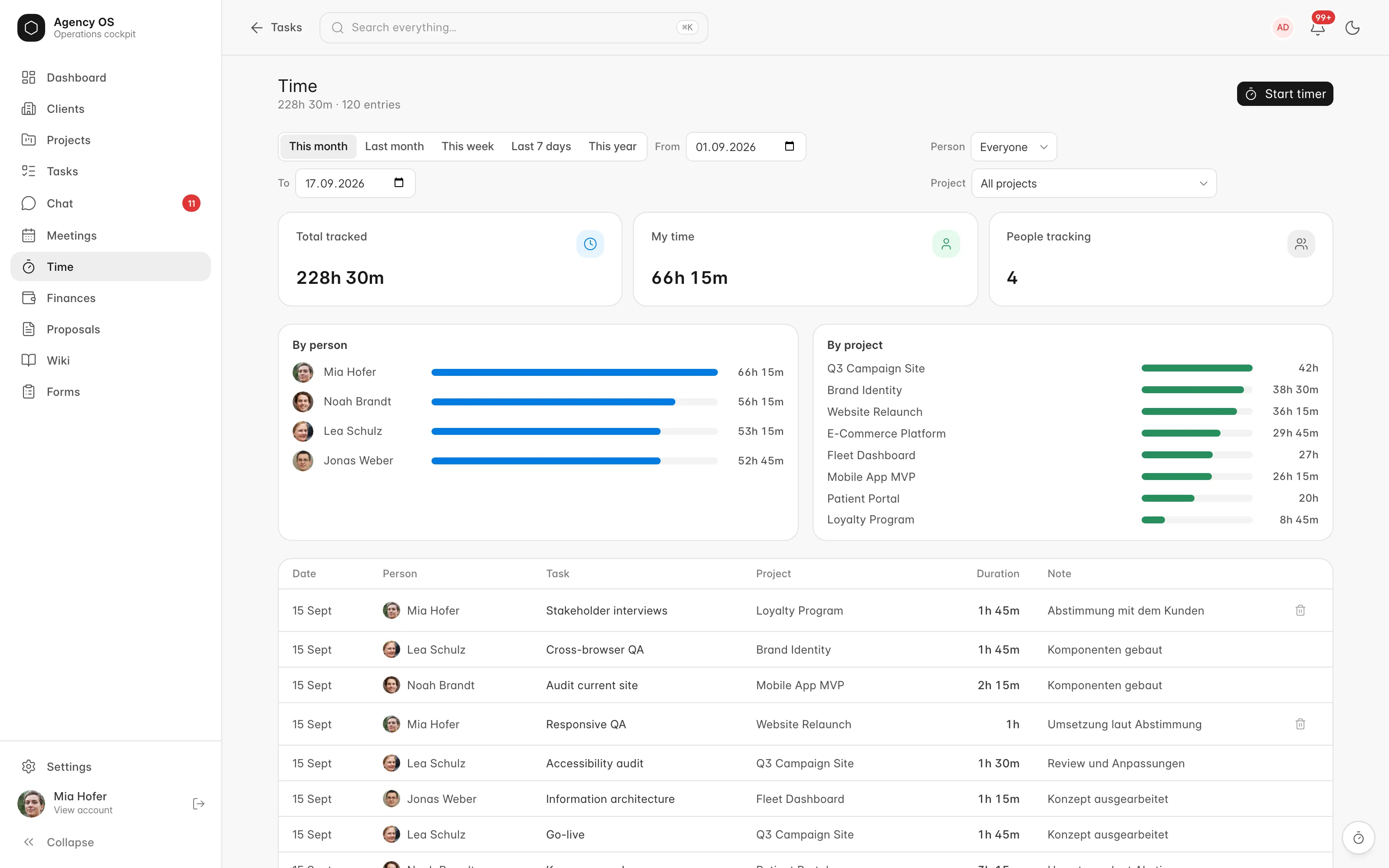
See amounts and payment status together.
Check invoice amounts and payment status. How projects and time feed into billing depends on the agreed billing model. Want to discuss the workflow for your agency? Choose “Request a free conversation” at the end of this page.
Open the English view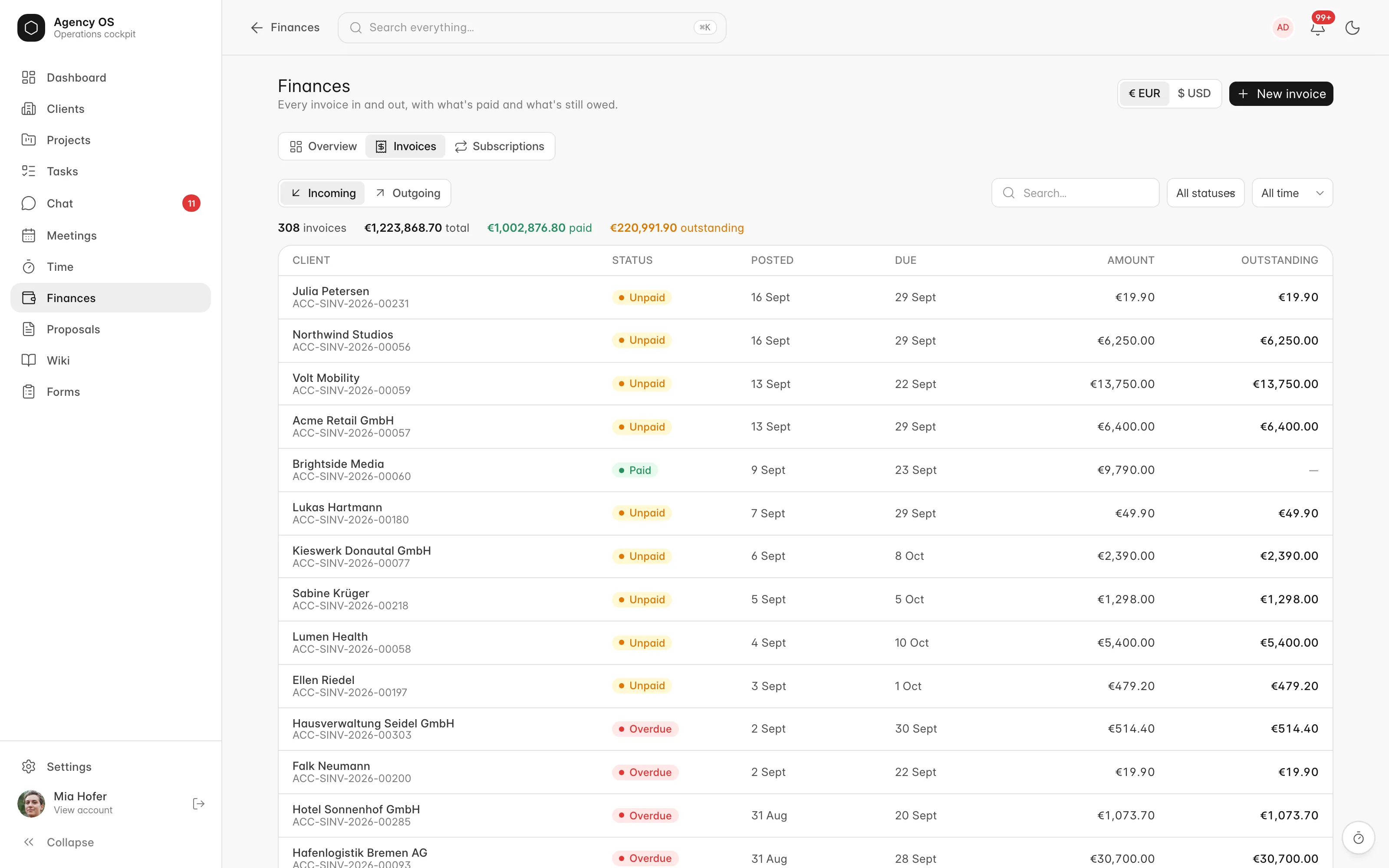
In the browser and as a macOS app.
AgencyOS is available as a web interface and a macOS app. A DMG and an automatic updater are available for macOS. We agree the views and workflows needed for your use.
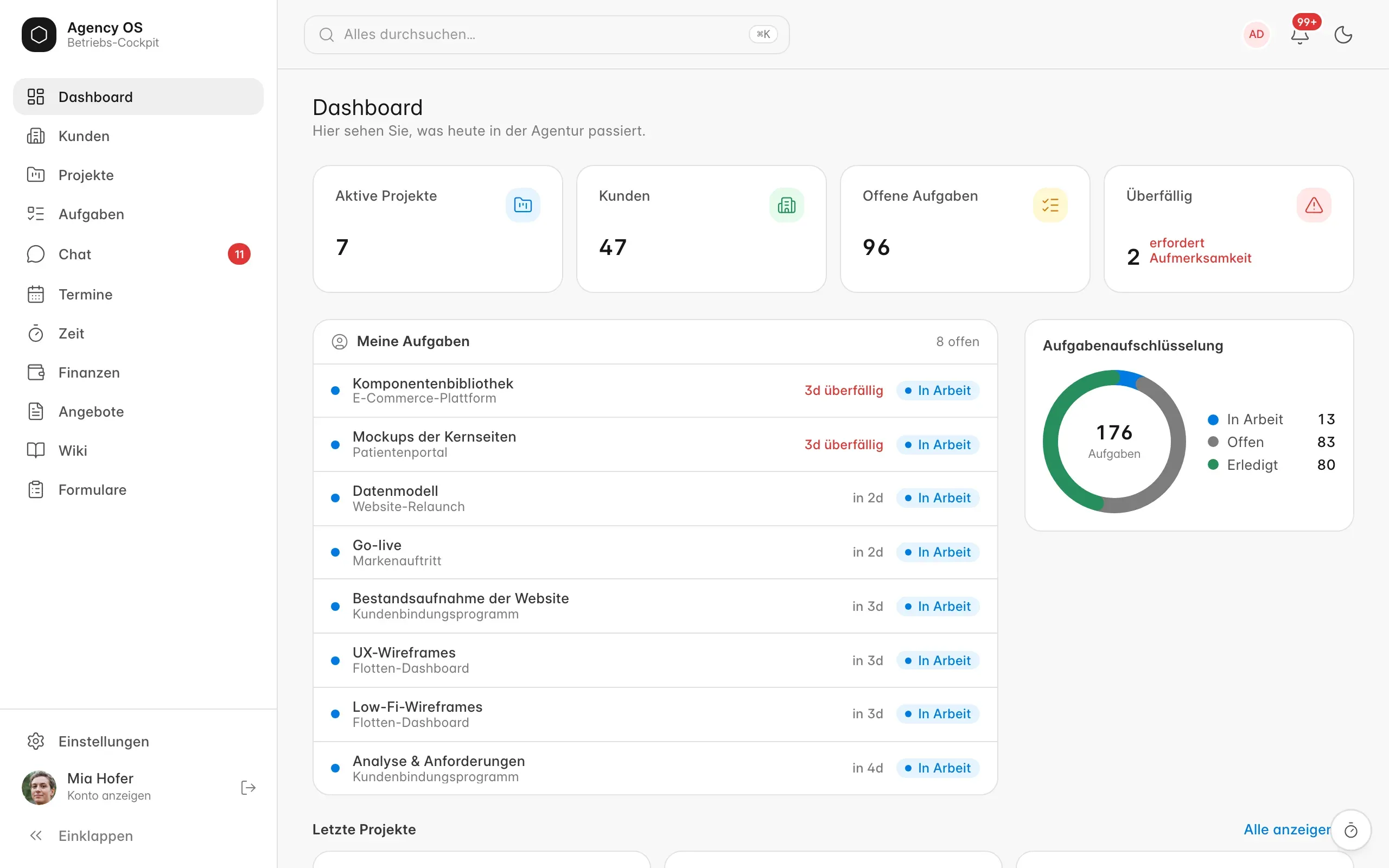
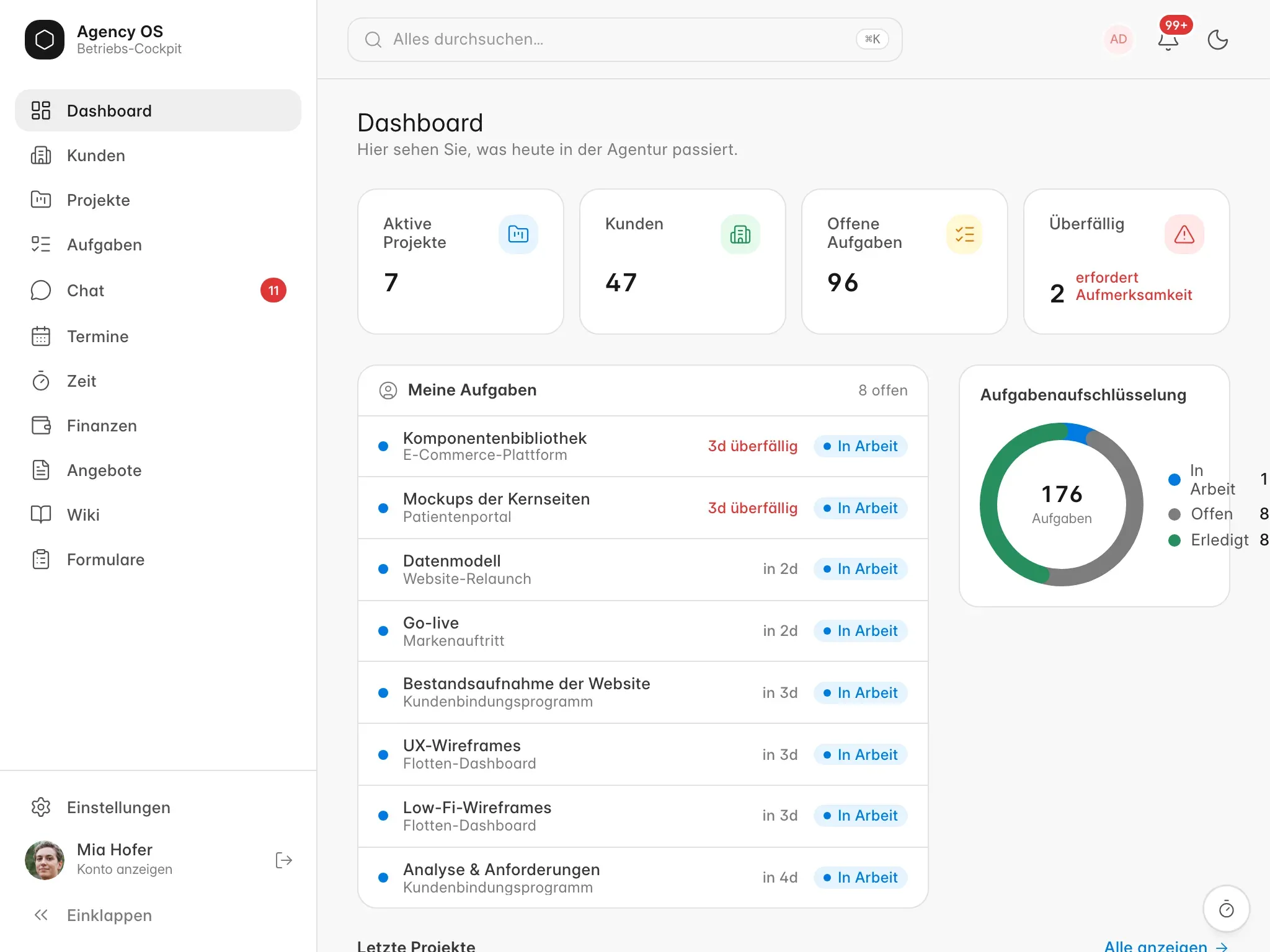
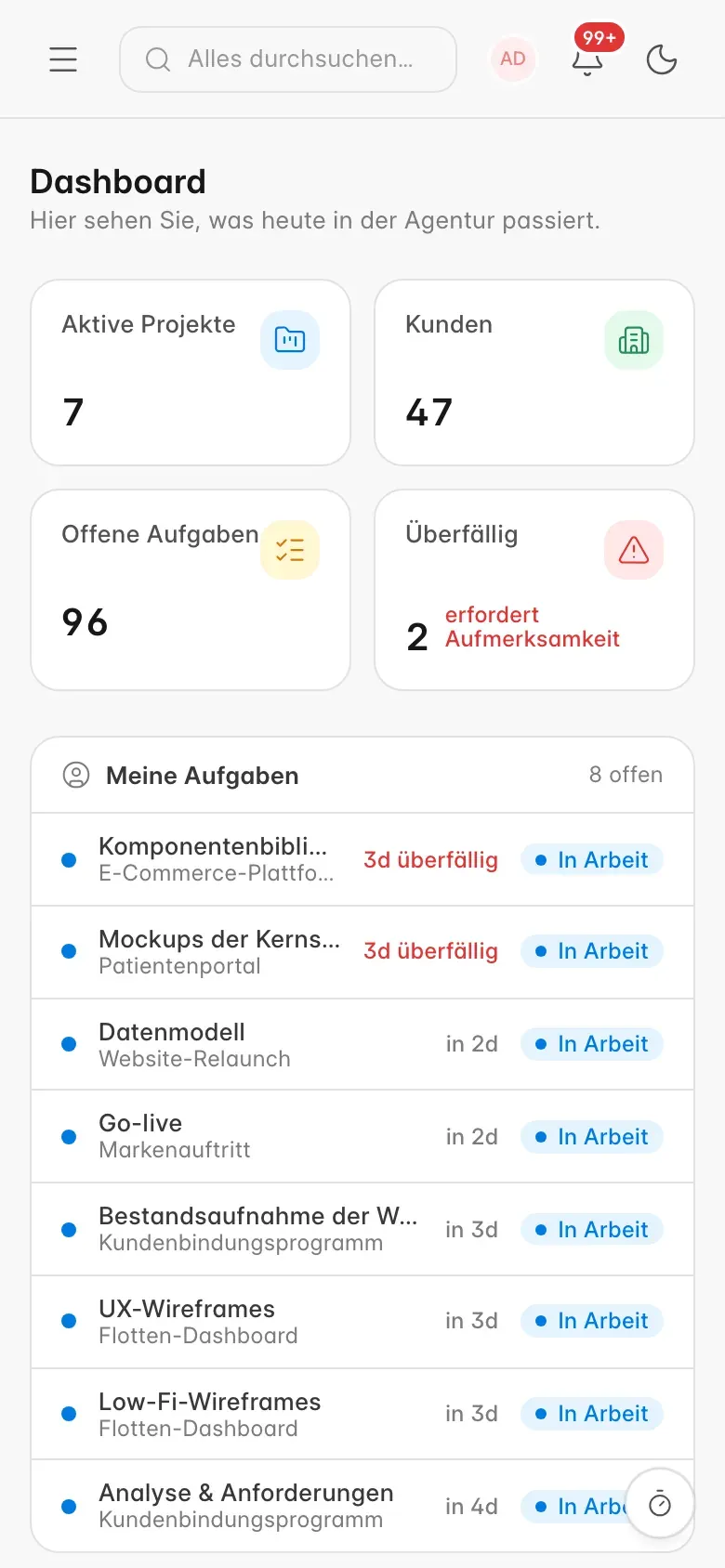
AgencyOS at different screen sizes
When Agency OS holds up. And when it does not.
Holds up
- You work in projects for several clients and bill by time.
- Project hours, invoices and accounting should sit on one data set.
- You want to self-host and keep the data in house.
- Clients should see status and approvals without access to your team tool.
Does not hold up
- You are looking for a pure task tool with no accounting behind it.
- Nobody should have to run a server or have one maintained.
- The processes are not settled yet. Then the Setup Check comes first.
AgencyOS requires ERPNext. The free conversation covers your starting point; suitability is assessed against your requirements.
Questions before using AgencyOS.
Does Agency OS replace my ERPNext?
No. Agency OS requires ERPNext and installs alongside it. Clients, projects, tasks, hours and invoices stay ERPNext records. The app only builds the interface on top and adds what agencies are missing.
Can my ERPNext still be updated?
Before a version change, test the ERPNext/Frappe version, AgencyOS and project workflows together. Maintenance, sign-off and the fallback need an owner. Ongoing automatic compatibility is not assumed.
What does the client see?
Only the client area at its own address, and there only what you explicitly release. Without a release nothing is visible. The team cockpit stays closed to clients.
What needs to be agreed for chat and meetings?
Assess access, participant permissions, hosting and technical prerequisites for your meetings. A feature name alone does not establish a specific server architecture or privacy outcome.
How can I use AgencyOS?
You can use AgencyOS in the browser and as a macOS app. The macOS app is provided as a DMG, and an automatic updater is available. The interface also offers dark mode. We agree the required devices, access and setup for your use.
How do we assess Agency OS against our agency workflow?
AgencyOS connects clients, projects, tasks, time tracking and invoices. The configuration is adapted to your needs. Start with a free conversation, followed by a demo on request.
Bring a representative project with an agreed billing model. Test task, recorded time, approval and invoice draft as one workflow. Establish which hours remain internal and how a correction is handled.
Test the client area with the intended releases and roles. Before implementation, agree who manages hosting, backups, updates and support. Existing features do not replace this coordination.
Implementation and responsibilities · ERP workflows for service businesses
How are access and pricing arranged?
Access and pricing are agreed individually; licensing details have not been publicly specified.
What task planning is available?
AgencyOS provides a task breakdown by status. A Gantt view is currently unavailable. We assess the planning views and reporting needed for your project.
See what this would look like for you.
In a free conversation, we discuss how you handle enquiries, projects, time and invoices. A demo can follow on request. We assess whether ERPNext and AgencyOS meet the requirements of your specific use case.
Request a free conversation